How to Unsave a Pin on Pinterest (Step-by-Step Guide)
You might accidentally or intentionally save a Pin on Pinterest and for some reasons you’ve changed your mind about and want to unsave it. While there’s no word called unsave on Pinterest, the only solution is to remove or delete the pin from your board. This practically means you’re unsaving it.
Having too many pins saved in your Pinterest boards can often lead to a cluttered profile. That’s why most times, it’s always a good thing to rest your Pinterest feed or just have some boards deleted permanently. However, it’s not always the ideal solution, what you only need is unsave (remove a pin from your board or delete it). In this short guide, we’ll show you the easiest ways to remove saved Pin on Pinterest. It’s a step-by-step process and can be used across accounts on desktop and mobile devices. Without any further ado, let’s get right on with it.
How to Unsave a Pin on Pinterest (Desktop)
Removing a saved Pin on Pinterest via desktop mode is quite easy and it’s almost the same as on mobile screens. The only difference is that you’ll get to see your pins in a broad way for easy accessibility. If you want to delete Pins on Pinterest using desktop, follow the steps below:
- Open Pinterest on any of your browsers on PC. Then click on your profile picture from the top-right corner to access all saved boards.
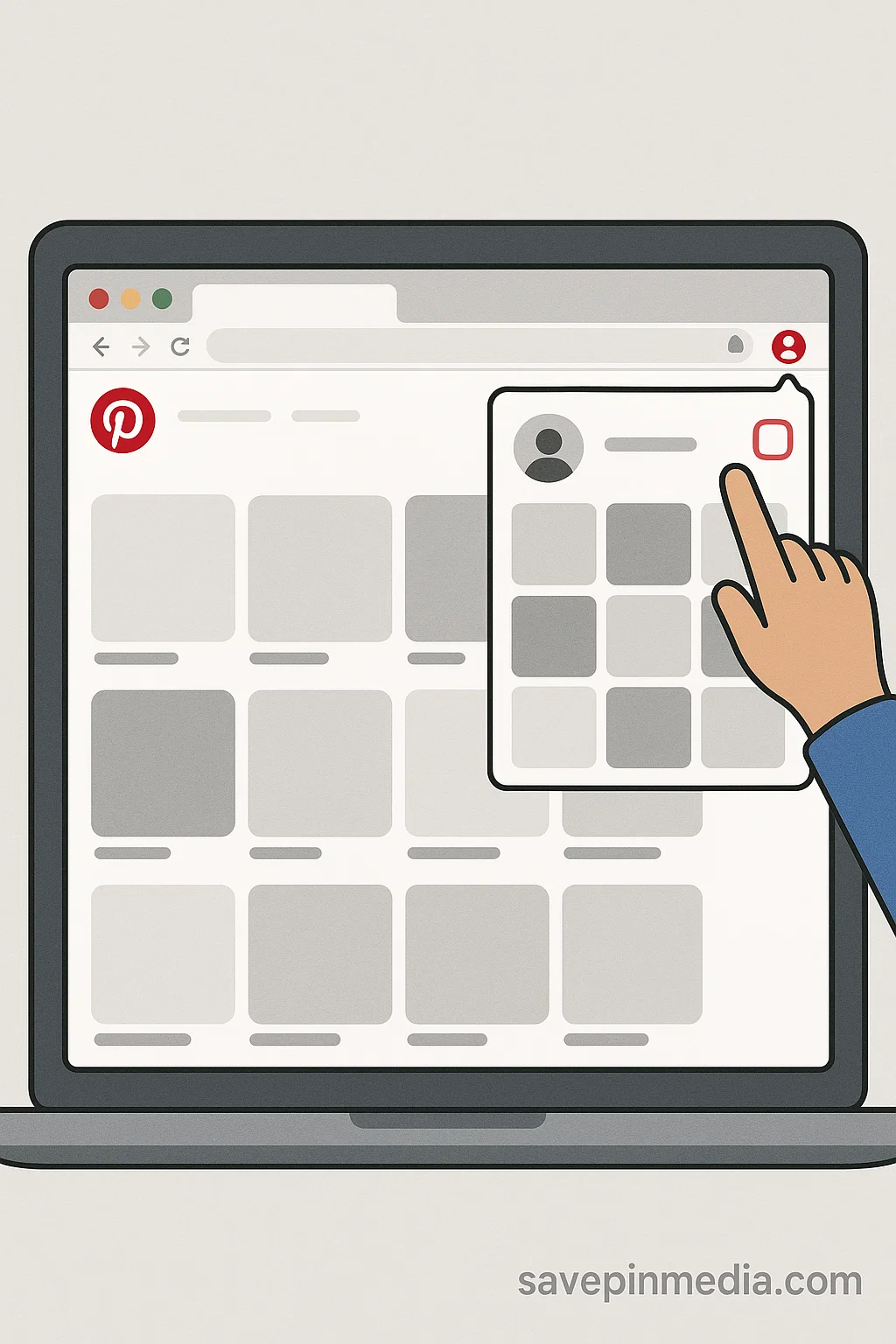
- Navigate to the board where the Pin you want to unsave is being located.
- While on the board, hover on the Pin you want to unsave, you’ll see three dots appearing on your screen.

- Click on the three dots > Edit Pin > Then click on the Delete button.
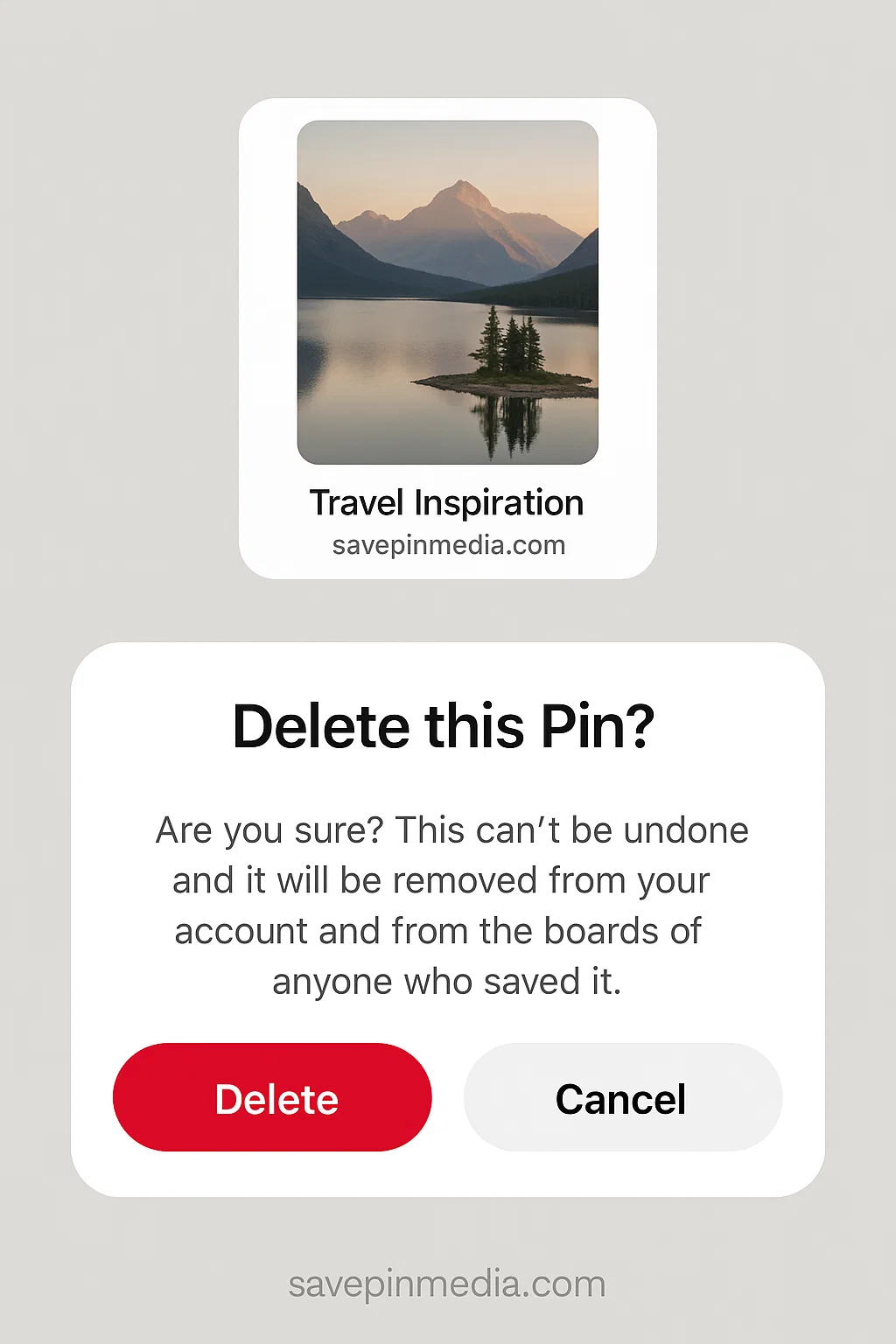
- You’ll be prompted to confirm if you truly want the Pin deleted from your account and from the boards of those who saved it.
How to Unsave a Pin on Pinterest Mobile App
As an Android or iOS user, this is how you can delete saved Pinterest items from your boards.
- Launch the Pinterest app on your smartphone and click on your Profile Icon.
- Navigate to Saved Boards and look for the board that stores the Pin you want to remove.

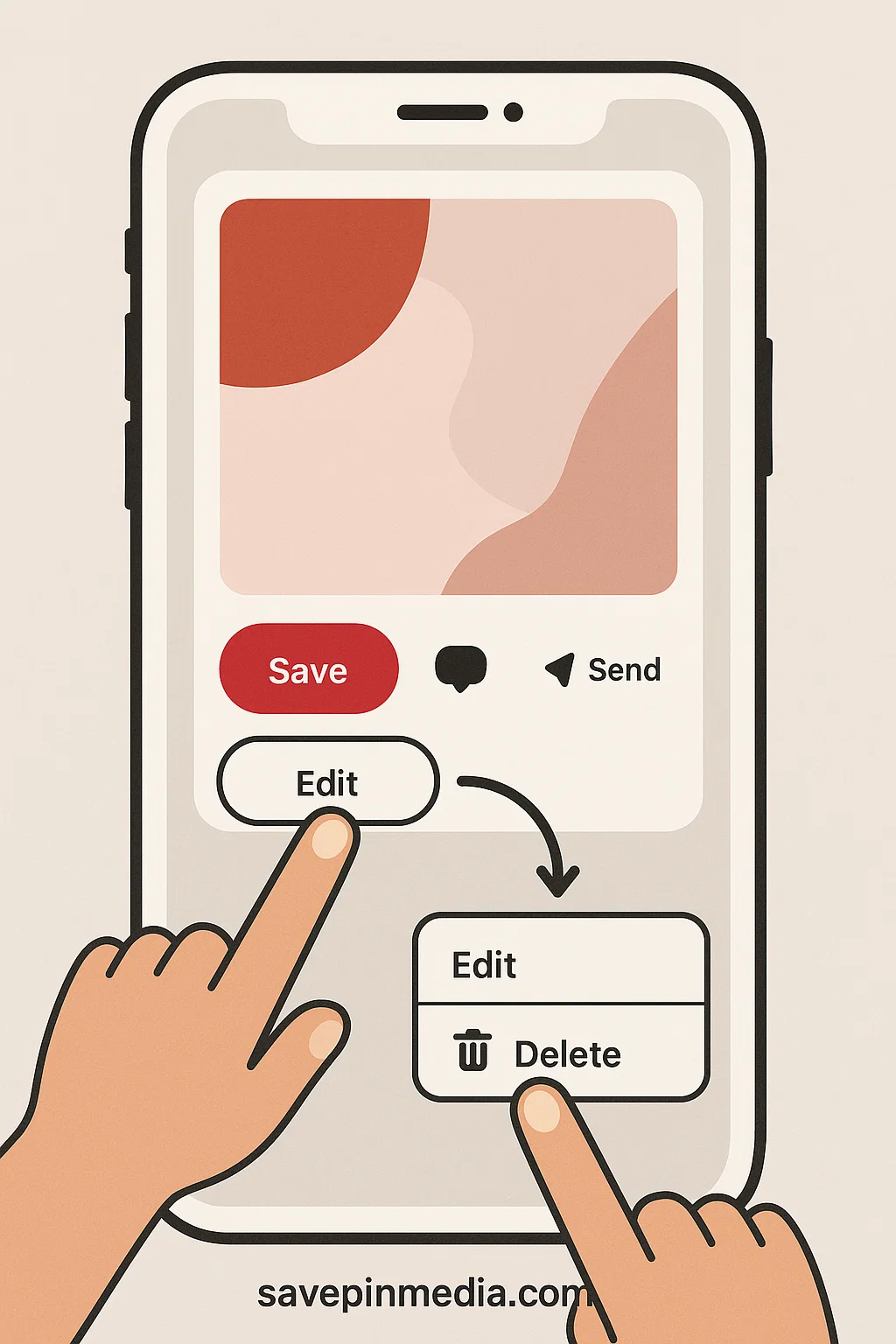
- Scroll down till you find the Pin you want to unsave. Once seen, click on the Pin and tap the three dots to show more.
- Click on Edit and then click the Bin icon (delete) to permanently unsave the Pin from your board.
Tips for Organising Your Pins
Rather than deleting Pins one by one, you might want to use a better approach. If you want to manage your saved Pins instead of deleting, these tips might help:
1. Move Pins to Other Boards
Maybe a Pin was saved in a different board, all you just have to do is move it to the relevant board where it belongs. On your phone or PC, you can use the edit option to change the location of the Pin.
2. Archive a Board
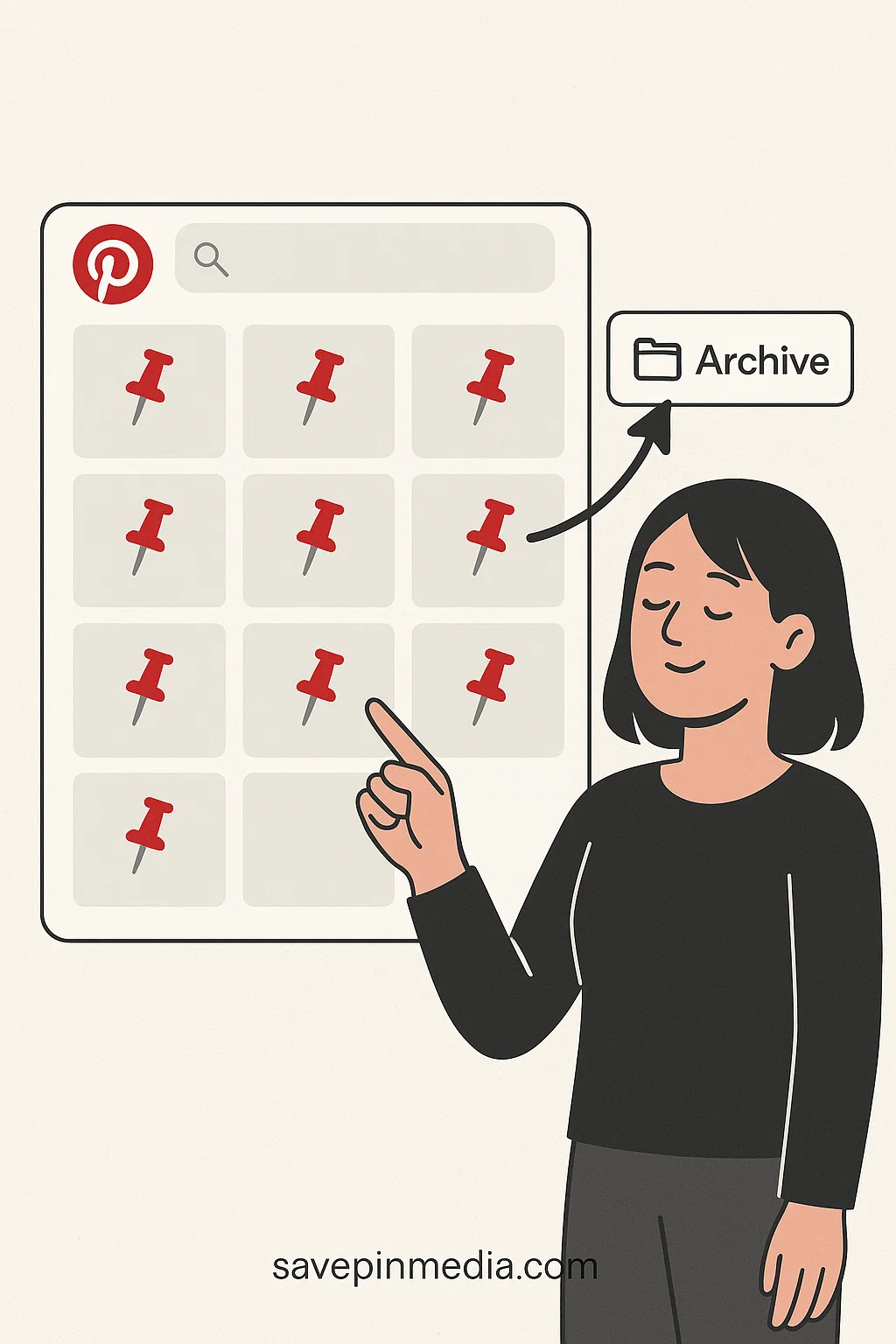
If you’re having a whole board filled with pins you no longer need but don’t want to delete, there’s a better way. Pinterest offers an archive option where your boards or pins will be hidden and won’t show up in search suggestions.
3. Create Secret Boards
Similar to archiving a board, Pins you don’t need and don’t want to delete can still have a place in your account and not be visible. You only need to create a new secret board where only you and those you invite will have access to your pins.
Conclusion
That’s all on how to unsave on Pinterest. It’s not a complicated process and anytime you find Pins you don’t need, just look this guide up again and follow the steps. Also, make sure to have your boards organised, it’s one way Pins don’t get scattered around.

Claire Weston
Keep Learning
 Claire Weston
How to Make a Collage on Pinterest (Step-by-Step Guide)
 Claire Weston
How to Delete Pins on Pinterest
 Claire Weston

